Layout Updates
Magento XML Layout Update Cheatsheet – Brilliant timesaving tips!
A round up of our most recent XML layout updates for Magento 2 posts bringing them all into one easy to bookmark sheet.
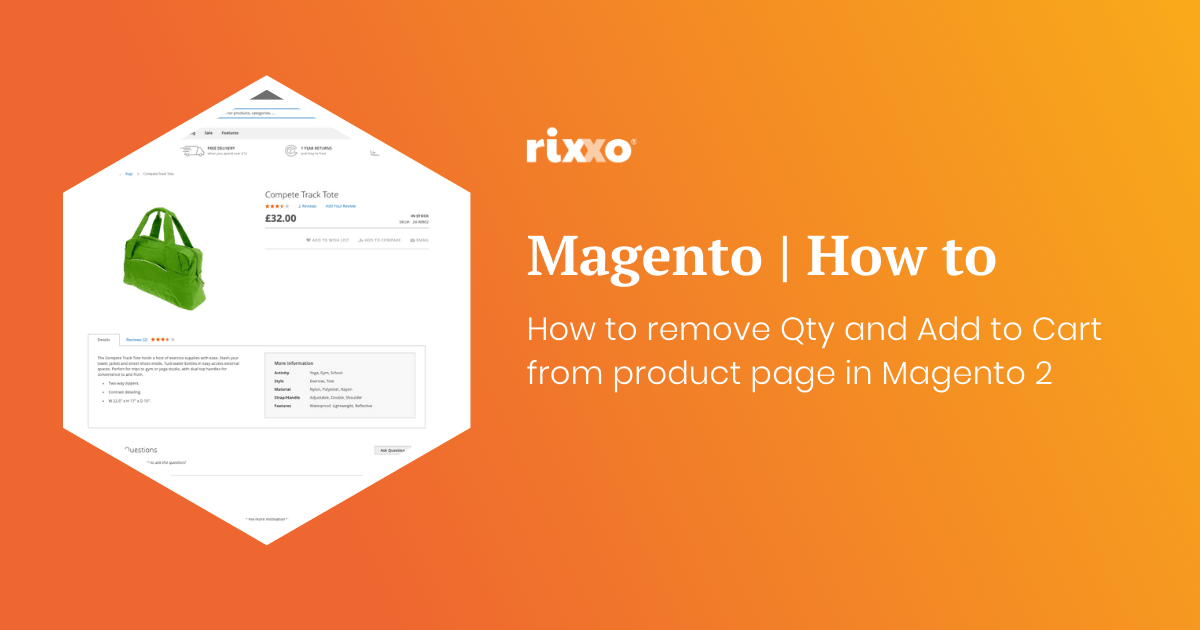
How to remove Qty and Add to Cart from product page in Magento 2
If you want to make a product page so somebody cannot add to the basket and remove the Qty and add to cart buttons this is really easy to do with a simple xml update. The result of using this code to remove the price can be seen here on our Lumarix Magento Store Before After Why remove the price from…
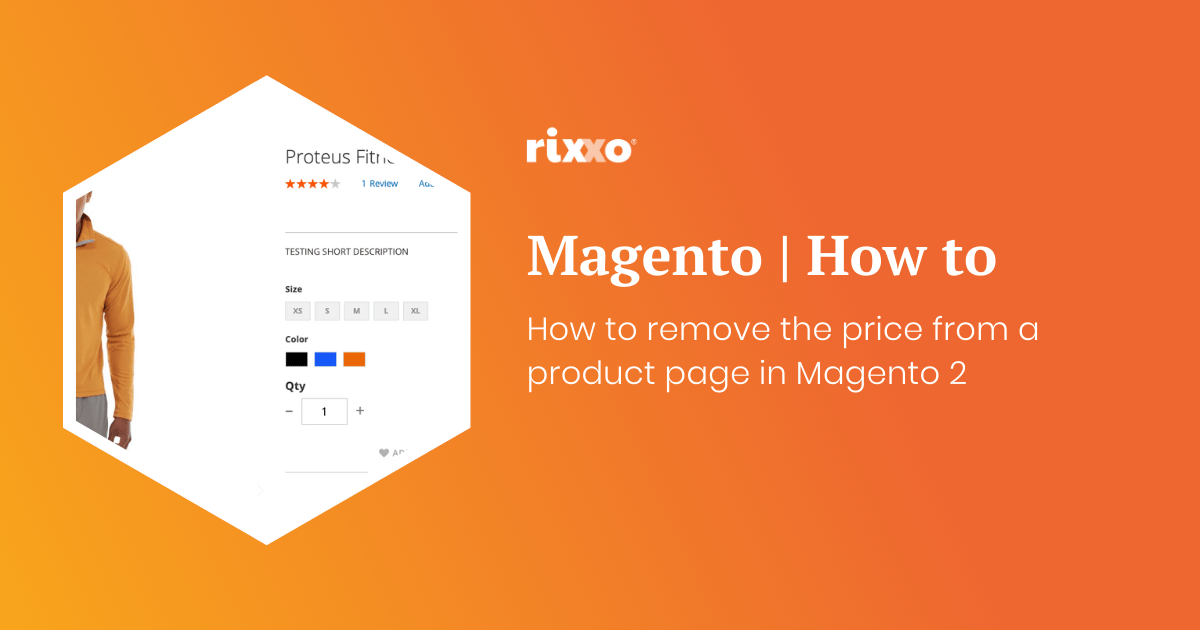
How to remove the price from a product page in Magento 2
Maybe you want customers to call you and you are going to tie this layout update in with a custom message. Maybe the item is out of stock and you don’t know what the price will be when it comes back in. Whatever reason you may have you’ll probably want to hide the price in a Magento store without ringing…
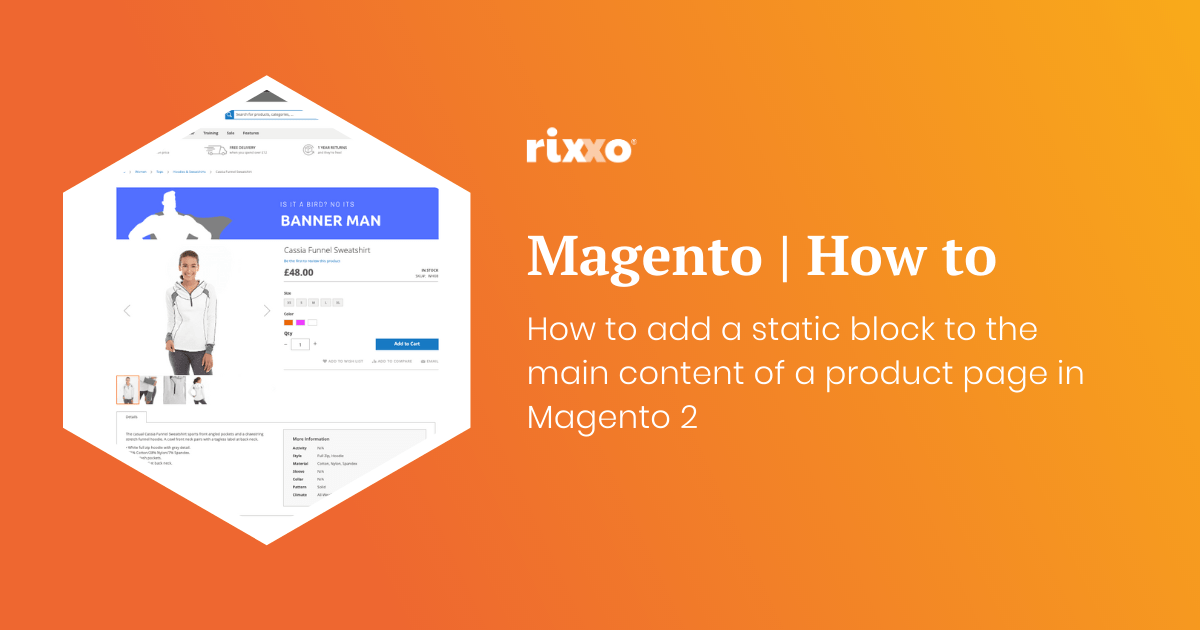
How to add a static block to the main content of a product page in Magento 2
This one is really handy. You may be wondering how to get a banner or block of text to the top of a product page in Magento 2. Before After Uses for adding a static block top the top of a product page in Magento 2
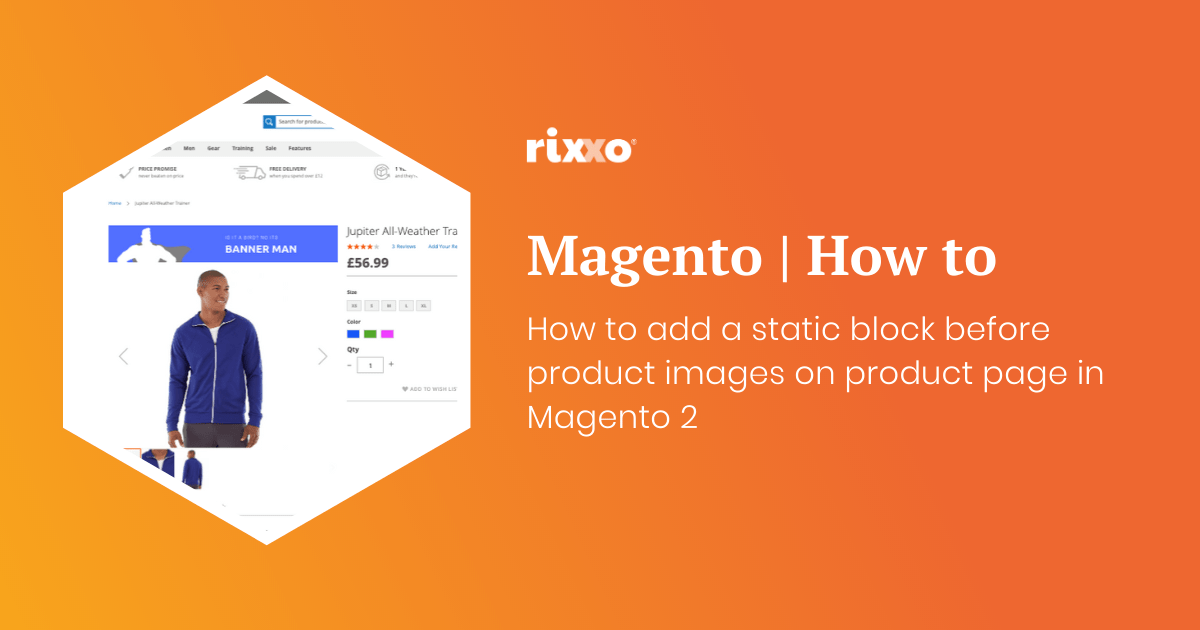
How to add a static block before product images on product page in Magento 2
Ok so this one is pretty much the same as the last one except we’re going to put the image before the product image gallery. Now you just need to style your contents that you’ve added to your CMS block. In my example below I am using an image as a banner but you could just as well inject anything…
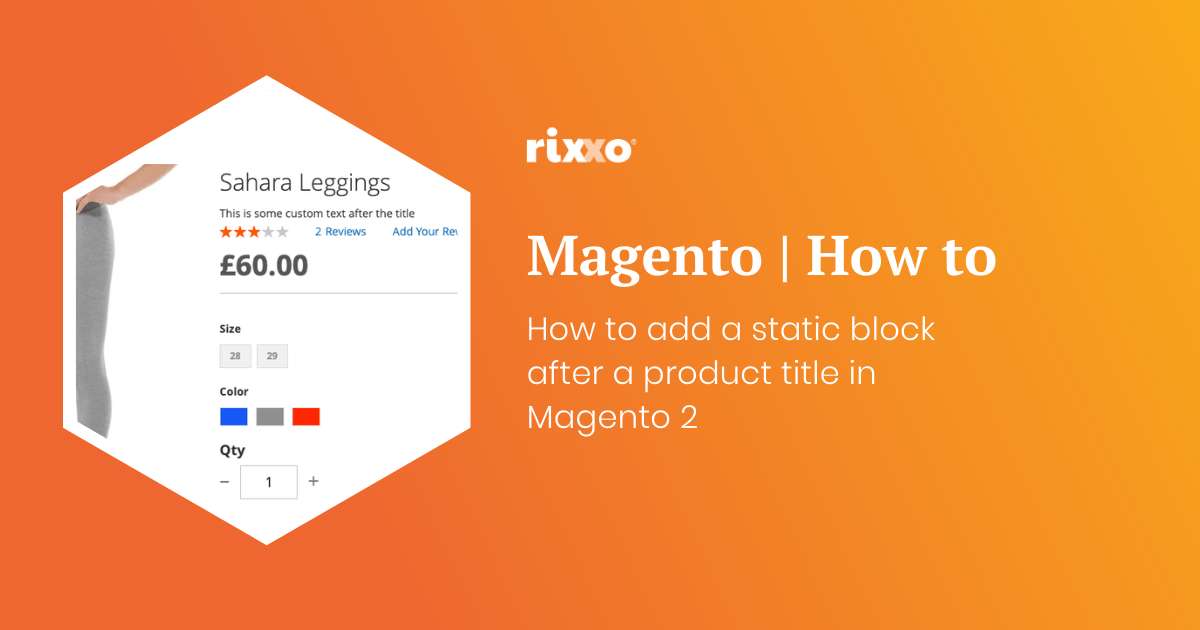
How to add a static block after a product title in Magento 2
Now you just need to style your contents that you’ve added to your CMS block. The result of adding a static block after the product title is here on our Lumarix Magento Store Before After Uses for adding a static block after a product title in Magento 2
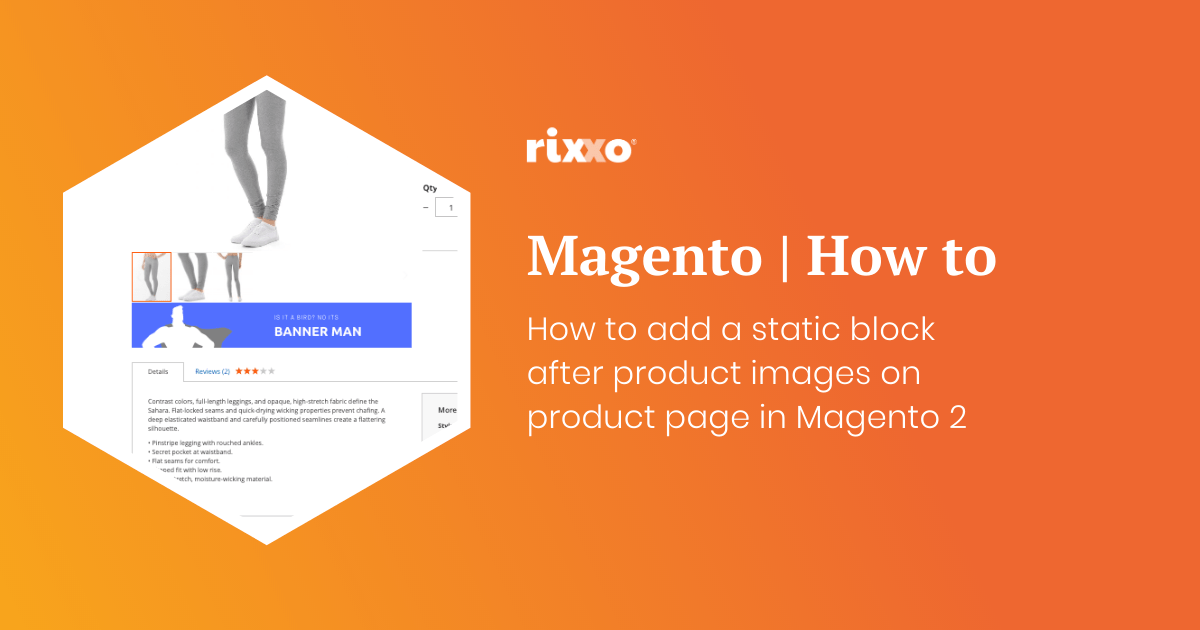
How to add a static block after product images on product page in Magento 2
Now you just need to style your contents that you’ve added to your CMS block. In my example below I am using an image as a banner but you could just as well inject anything you can put into a static block including widgets, products, code, text, video and more. The result of adding a static block after the product image…